m-Panchayat1.0.16
Publisher Description

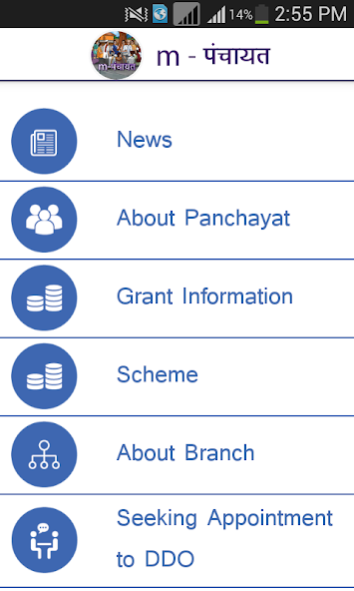
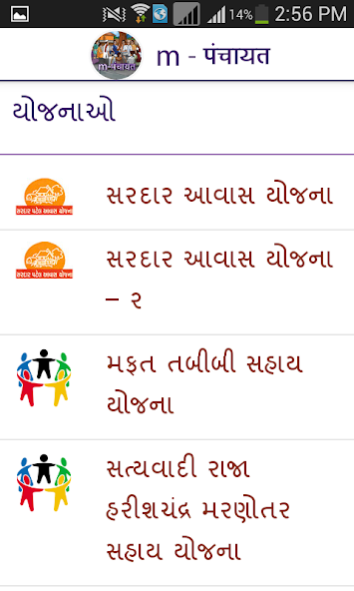
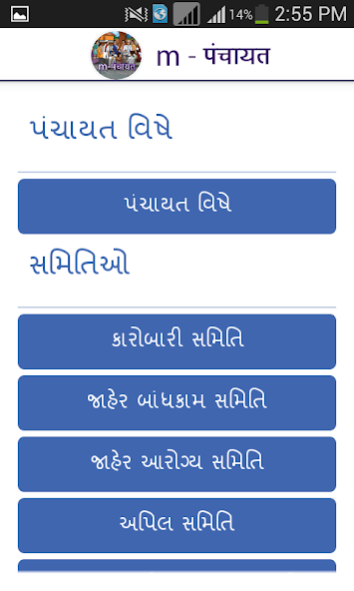
“m-Panchayat†is mobile application of District Panchayat Vadodara, Gujarat, India. This application have following features.
Features:
=> All Branch information at District Panchayat Vadodara.
=> Success story of various branch.
=> Achievements of various branch.
=> Various type of personal or community scheme information at District Panchayat Vadodara
=> Beneficiary information of personal type scheme.
=> Grant information of community type of scheme.
=> User can seek appointment to District Development Officer, District Panchayat Vadodara.
=> Tender information.
=> User can register complain here.
=> Contact information of Taluka Development Officer, Talati Cum Mantri, Sarpanch.
=> Contact Information of Primary Health Center at Vadodara District.
=> School contact information.
=> Animal Hospital contact information.
=> Taluka Health Officer contact information.
About m-Panchayat
The company that develops m-Panchayat is Rudra Automation Pvt Ltd. The latest version released by its developer is 1.0.16.
To install m-Panchayat on your Android device, just click the green Continue To App button above to start the installation process. The app is listed on our website since 2019-10-16 and was downloaded 73 times. We have already checked if the download link is safe, however for your own protection we recommend that you scan the downloaded app with your antivirus. Your antivirus may detect the m-Panchayat as malware as malware if the download link to com.ddovadodara is broken.
How to install m-Panchayat on your Android device:
- Click on the Continue To App button on our website. This will redirect you to Google Play.
- Once the m-Panchayat is shown in the Google Play listing of your Android device, you can start its download and installation. Tap on the Install button located below the search bar and to the right of the app icon.
- A pop-up window with the permissions required by m-Panchayat will be shown. Click on Accept to continue the process.
- m-Panchayat will be downloaded onto your device, displaying a progress. Once the download completes, the installation will start and you'll get a notification after the installation is finished.
